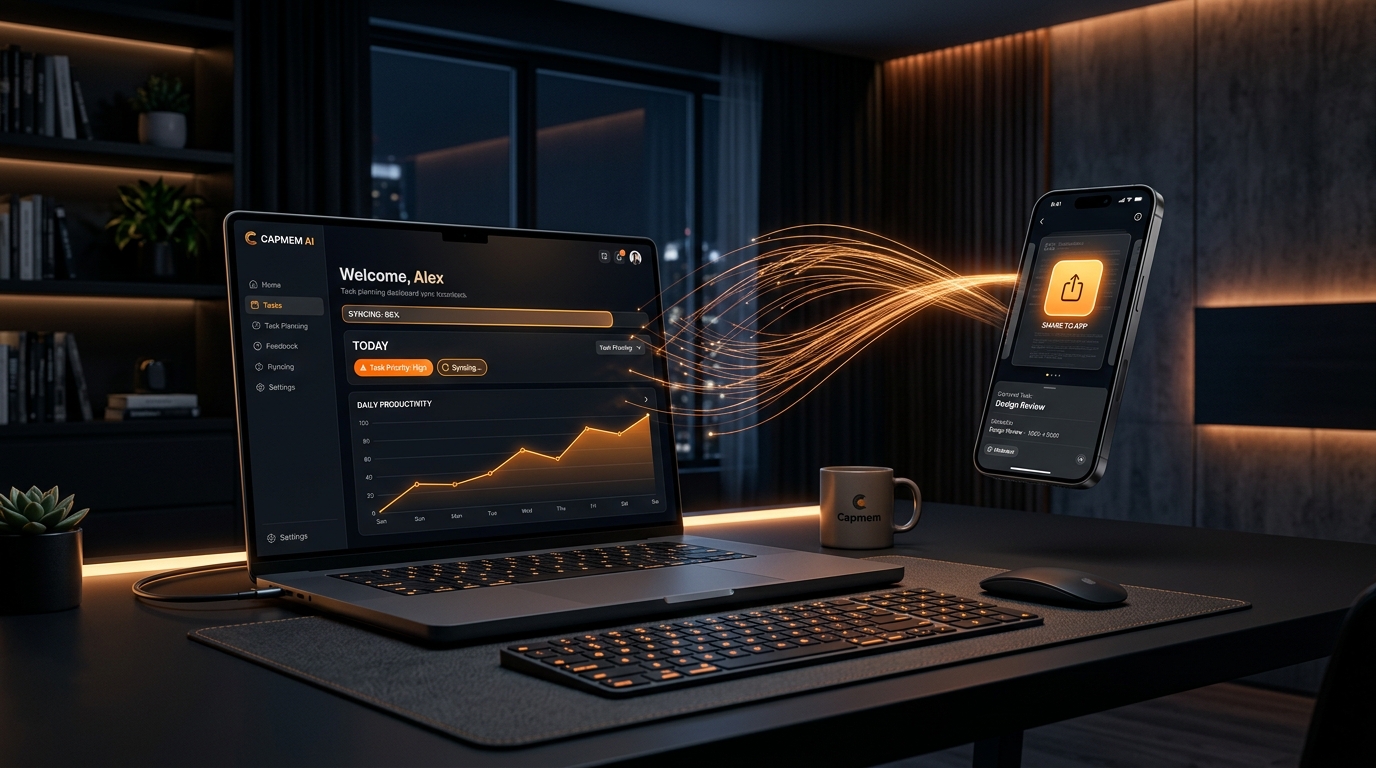
Capture on the go.
Planned for today when you sit down to work.
Save articles, links, emails, and ideas on your phone with zero effort. When you open your laptop, AI has already organized your work queue and scheduled your day. No intrusive alarm distractions. Just calm, focused clarity.
Today's Focus
2 itemsUpcoming
1 itemThis Week
1 itemFrom Chaos to Clarity in Four Steps
No more 120 unread items staring at you. Capmem AI turns information overload into an actionable, prioritized daily plan.
Capture On the Go
Toss in links, PDFs, screenshots, or notes straight from your phone's share sheet.
Zero friction. No sorting required while you're on the move — just save and go.
AI Instant Structuring
AI engine understands the content, extracts deadlines, and formulates clear action items.
Detects funding deadlines, research proposals, conference dates, and action checklists automatically.
Planned for Work Time
When you sit down to work, AI has already slotted everything into today's focus queue.
Prioritized by your custom rules: funding first, critical tasks top, low-urgency saved for later.
Calm Desktop Focus
Acts like a clean, smart sticky note on your screen. Work steadily without noisy alarms.
Zero notification fatigue. Check items off calmly as you work through your day.
How Capmem AI Works
Capture On the Go
Waiting for coffee, commuting, or reading on your phone: tap Share from Safari, Mail, or any app. Zero sorting needed on mobile.
AI Extracts & Structures
AI reads the content in seconds, detects deadlines, creates clear action checklists, and assigns priority according to your custom rules.
Planned When You Sit Down
Open your laptop when you are ready to work. Your captured items are already triaged into Today's Focus, Upcoming, and Backlog.
Calm Desktop Execution
Works like a smart sticky note on your screen. No constant alarm interruptions or notification anxiety. Just calm, steady progress.
Ready for Calm, Focused Productivity?
Capture on the go whenever inspiration hits. Let AI plan your day when you sit down to work.
Get Started — It is Free